Dates showing as text in Google Sheets?
DateFix converts text-based date strings into clean, usable spreadsheet dates so you can sort, filter, compare, and analyze your data without manual fixes.

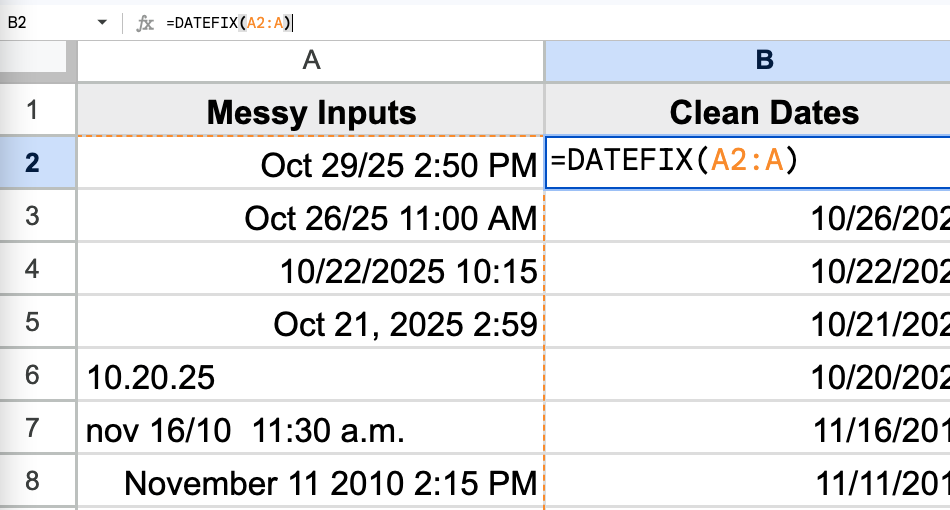
DateFix converts text-based date strings into clean, usable spreadsheet dates so you can sort, filter, compare, and analyze your data without manual fixes.
Dates stored as text break sorting, filtering, and formulas. DateFix converts them to real date values in seconds.
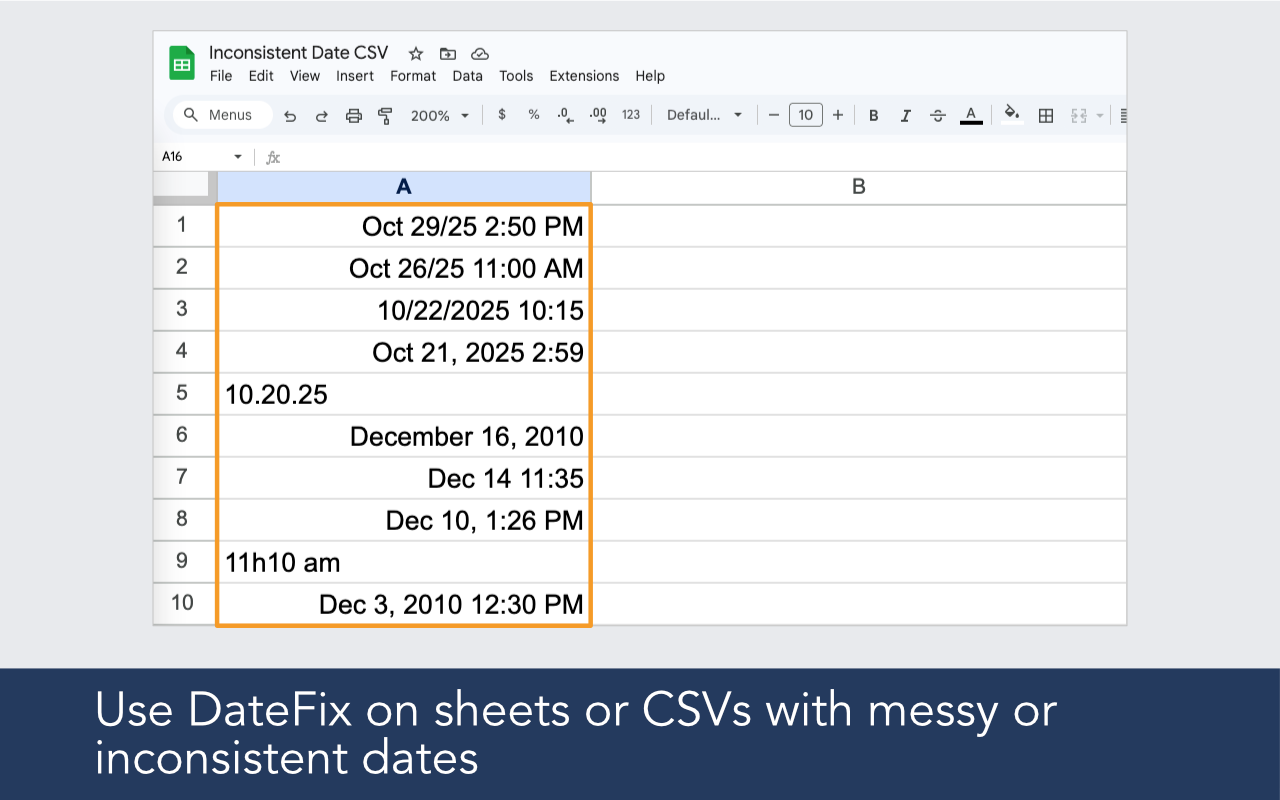
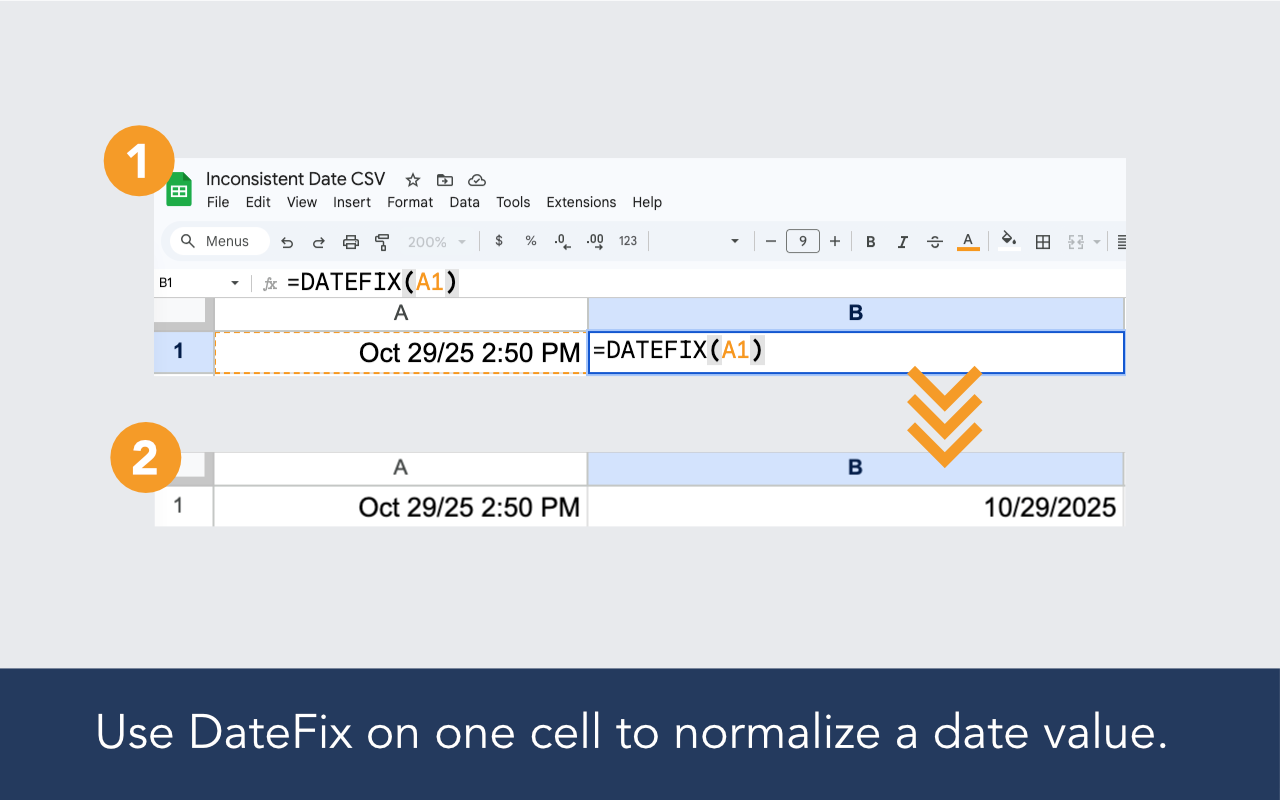
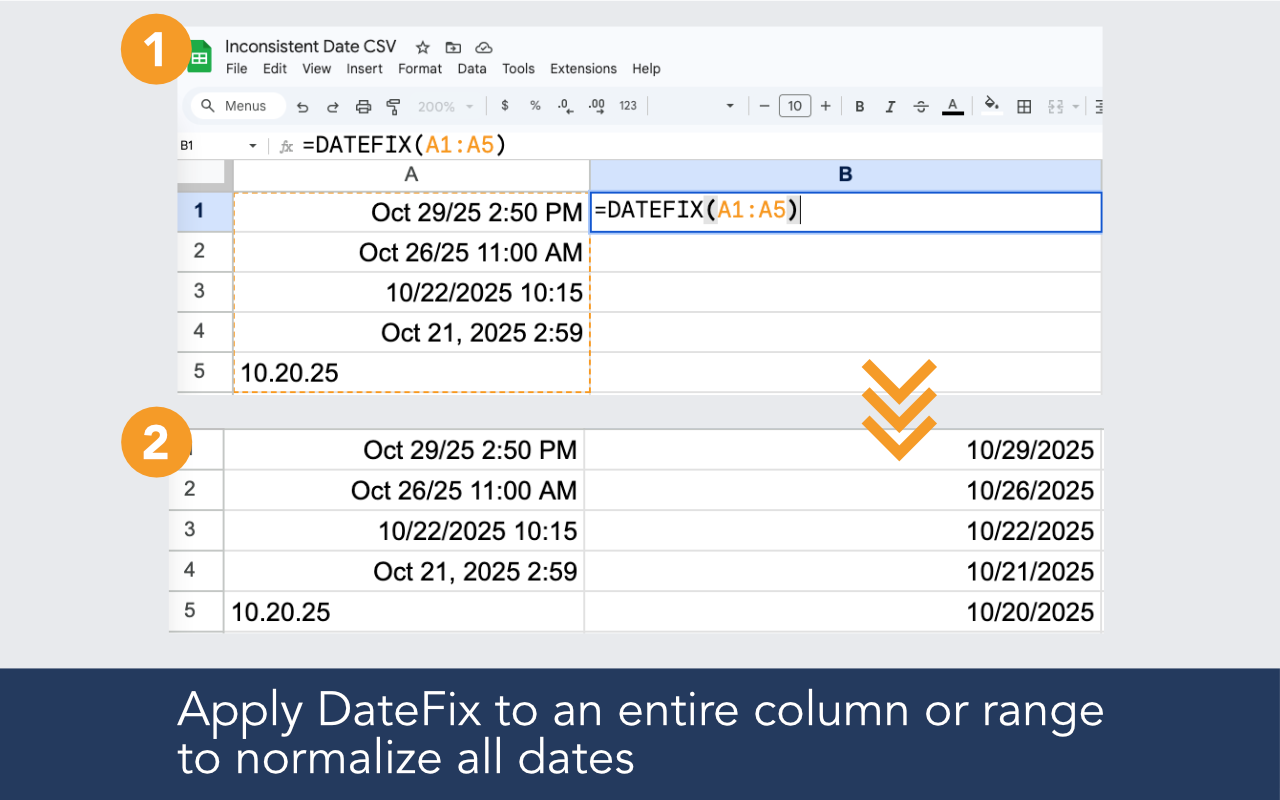
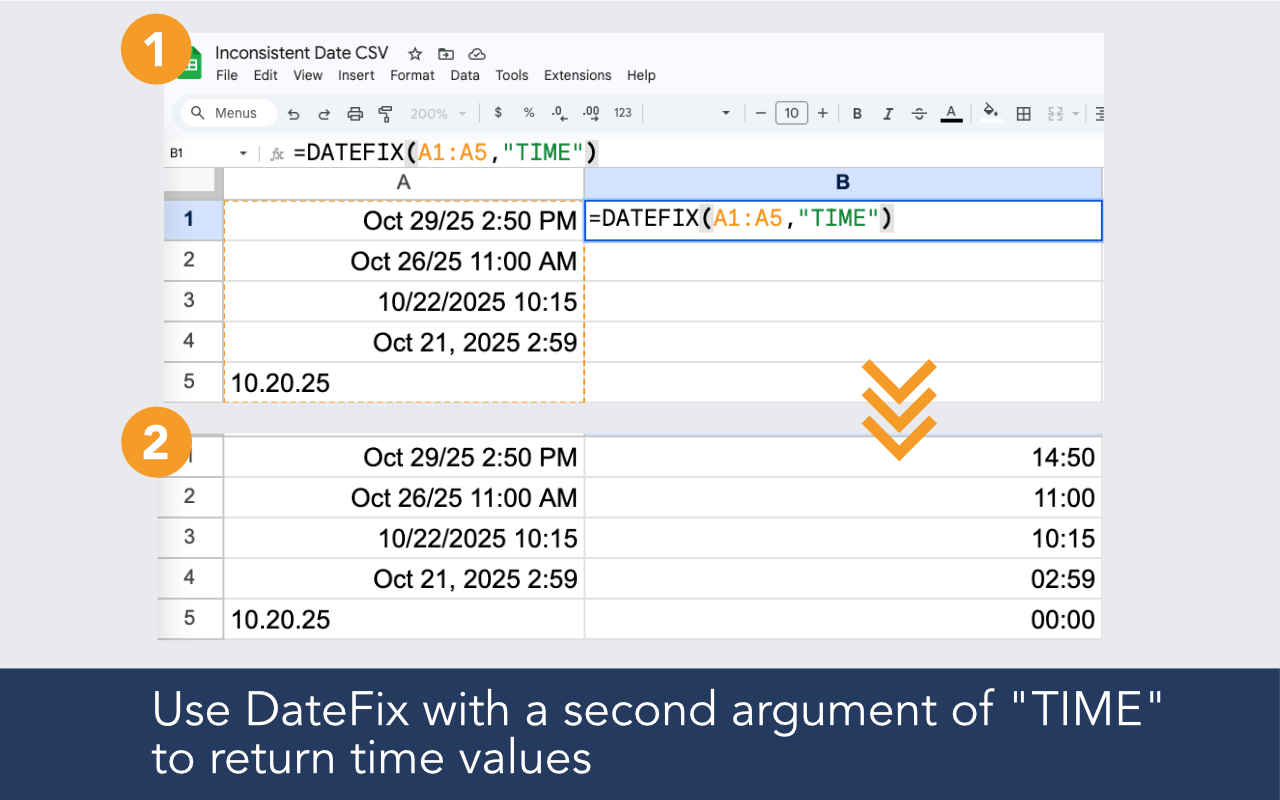
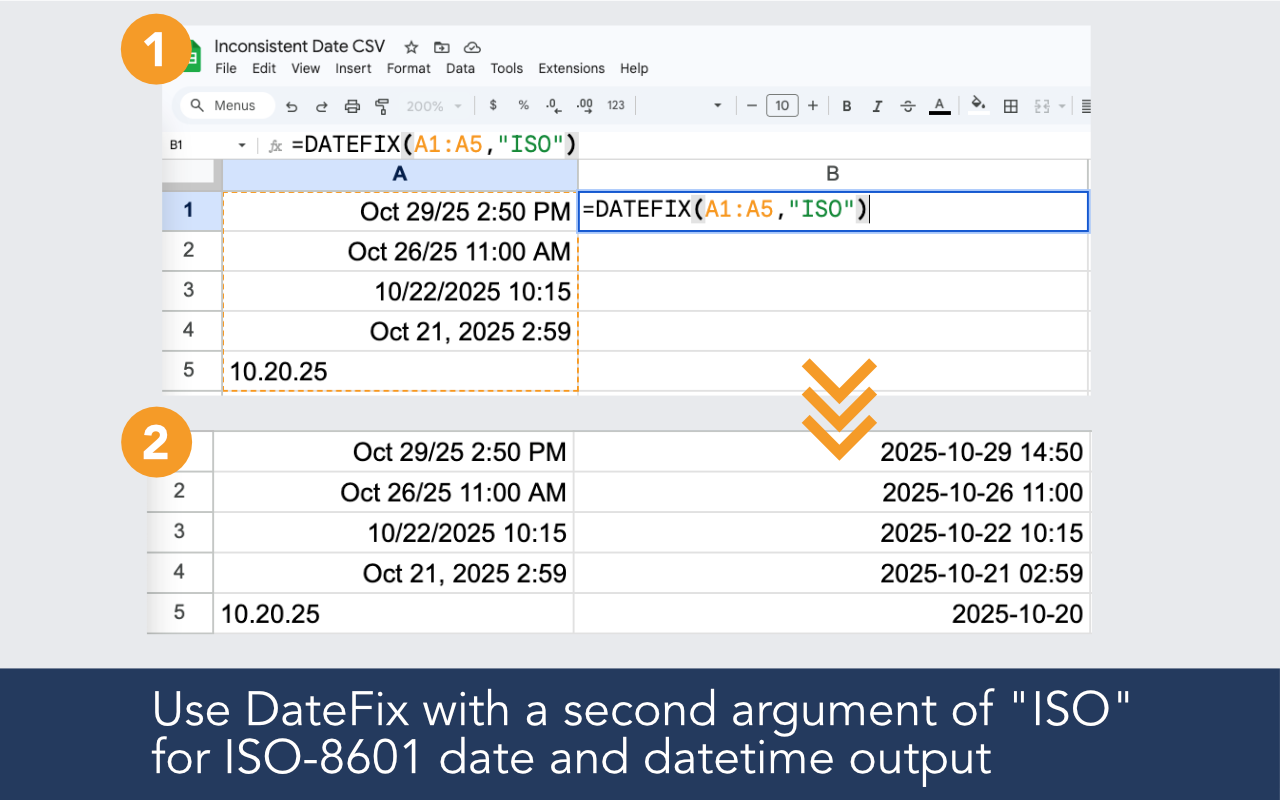
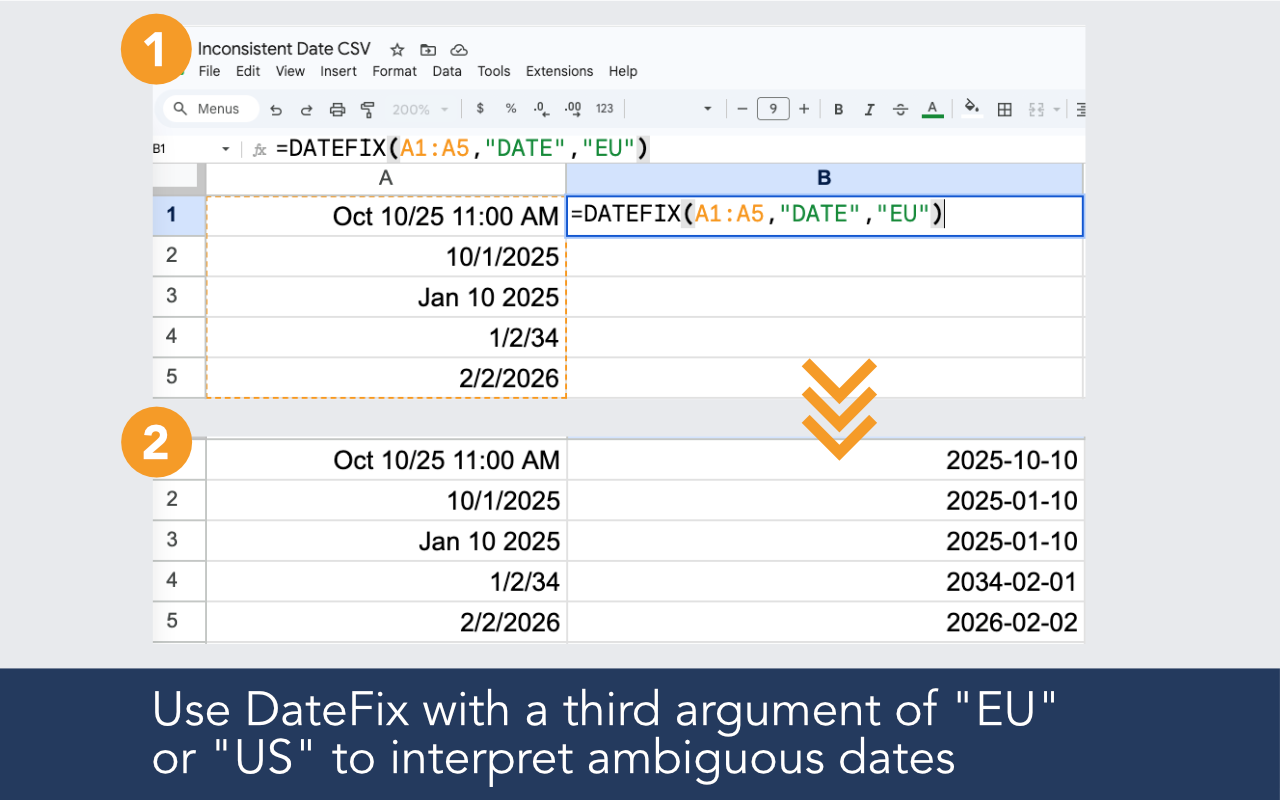
Built for imported data, broken date columns, regional ambiguity, and real-world spreadsheets that need reliable date output.

Clean values from CSV files, CRM exports, reports, and copied datasets.

Interpret multiple date styles in the same range instead of relying on a single rigid format.

Use DateFix on one value or across an entire date column.

Get clean date output that works better for sorting, filtering, formulas, and reporting.
Install the add-on, open it in your sheet, and use a simple formula in a new column.
Example formulas
=DATEFIX(A2:A100)
=DATEFIX(A2,"ISO")
=DATEFIX(A2,,"US")

Google Sheets stores dates as numbers internally, but when data arrives from external sources such as CSV files, CRM exports, or copied content, it often cannot recognize the format and stores the value as plain text instead. Text dates appear left-aligned in cells and are ignored by sort, filter, and date formulas.
The quickest way is to look at cell alignment. Real dates right-align automatically. Text dates left-align. You can also try sorting the column. If dates do not sort chronologically, they are likely stored as text. DateFix resolves both cases.
DateFix is a Google Sheets add-on that helps clean and normalize messy or inconsistent date values with a simple custom function like =DATEFIX(A2:A10).
DateFix is free to use up to 100 rows per day. If that's insufficient, we offer an unlimited version for $19.99 / month, which allows an unlimited number of DateFix calls. You may upgrade within the DateFix add-on by clicking the upgrade button from the sidebar. Upgraded subscriptions may be cancelled at any time.
Yes. Use the optional third argument to specify "US" or "EU" interpretation for ambiguous dates.
